

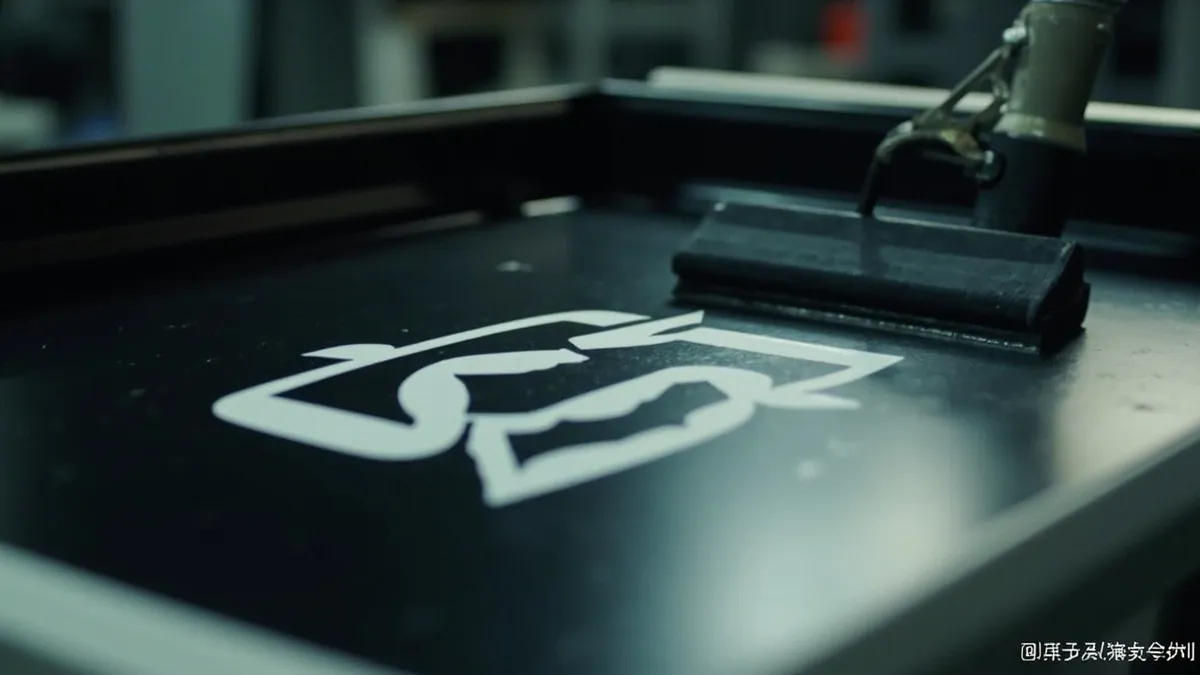
There are six practical ways to put a logo on an injection-molded protective case, and they split cleanly into three families: ink applied after molding (screen printing, pad printing, heat transfer, UV digital), marks burned or cut into the surface (laser engraving), and brand features built into the part itself (in-mold labelling, mould-etched emboss or deboss). Your volume, the surface shape and how long the mark must last decide which family you need.
Six Methods Compared
| Method | Best surface | Durability | Colour | Typical MOQ feel |
|---|---|---|---|---|
| Screen printing | Flat or gently curved | Medium — ink can wear | Bold single or spot colours | Low per unit once screens are made; one screen per colour |
| Pad printing | Curved or irregular | Medium | Multiple colours, fine logos | Low setup cost, good for small batches |
| Laser engraving | ABS, PC, PA, acrylic | High — permanent, no ink | Monochrome etched look | Low; ideal for serials, QR codes and variable data |
| UV digital printing | Flat or curved | Medium to high | Full colour, gradients, photo detail | Lowest — no plates, viable from a single unit |
| In-mold labelling (IML) | Injection-molded parts | Excellent — sealed under the surface | Full colour, high clarity | High — needs volume to justify tooling |
| Mould-etched emboss / deboss | Injection-molded parts | Excellent — cannot fade | No colour, tactile only | High — the tool must be engraved |
Ink Applied After Molding
This is the flexible, low-commitment family. Screen printing pushes ink through a mesh stencil and is the workhorse for flat, bold artwork, with a separate screen required for each colour. Pad printing transfers ink through a silicone pad that conforms to curved or uneven surfaces, which is why it is the default for logos on rounded lid corners. Heat transfer applies a printed film with heat and pressure and handles full-colour artwork, but it is less durable outdoors. UV digital printing cures inkjet ink instantly, needs no plates at all, and is the only method that stays economical at a quantity of one.
Marks Cut Into the Surface
Laser engraving removes ink from the equation. A laser ablates the surface to leave a permanent, high-precision mark that resists abrasion, chemicals and heat, and because there are no consumables it is fast to set up and ideal for variable data such as serial numbers, batch codes and QR codes. Two caveats: it is essentially monochrome, and results vary by resin, so test the actual material before committing.
Branding Built Into the Part
- In-mold labelling: film fuses with the plastic during injection, sealing artwork beneath the surface — excellent scratch resistance and multi-colour detail
- Mould-etched emboss or deboss: the cavity is engraved so every part is born with a raised or recessed logo — permanent, tactile, no consumables, but the logo is difficult to change
- Hot stamping: foil transfers a metallic gold, silver or laser finish — premium look, metallic colours only
- Water transfer printing: wraps complex curves in camouflage, wood grain or carbon patterns — full coverage, lower precision, more process steps
How to Choose
- Define the quantity first — this single number eliminates most options before you look at artwork
- Identify the print surface: flat lid panel, curved corner, or recessed area
- Decide the lifetime: two years of trade-show handling, or ten years of field service
- Confirm colour requirements — full colour artwork rules out laser engraving and mould engraving
- Ask for a sample on your actual resin and surface texture, then abrasion-test it before release
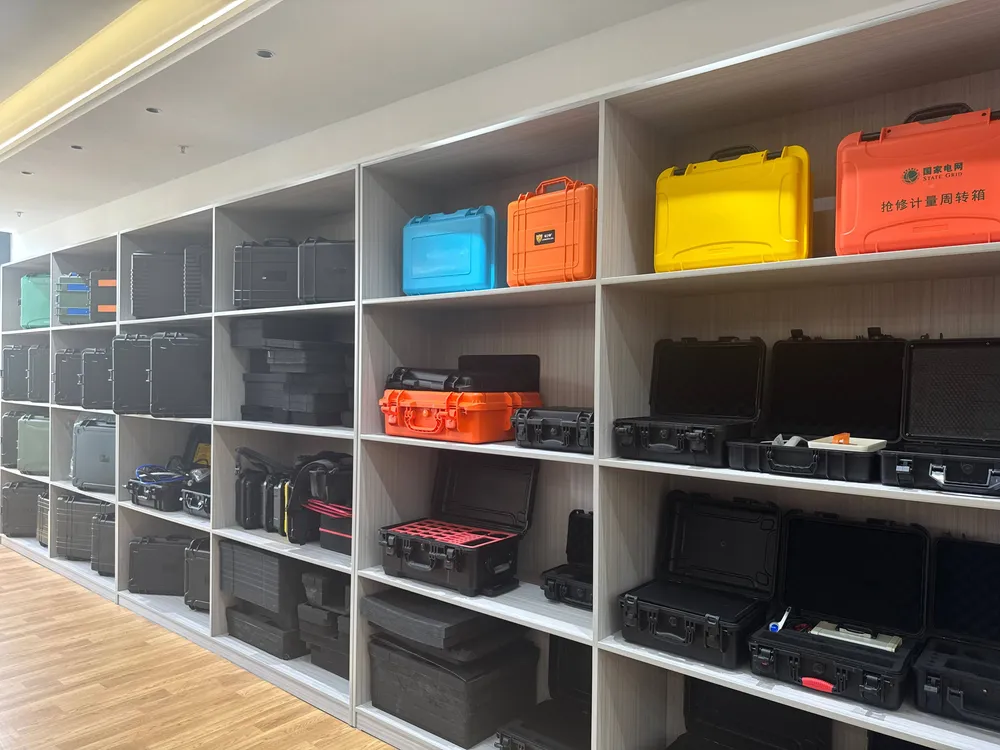
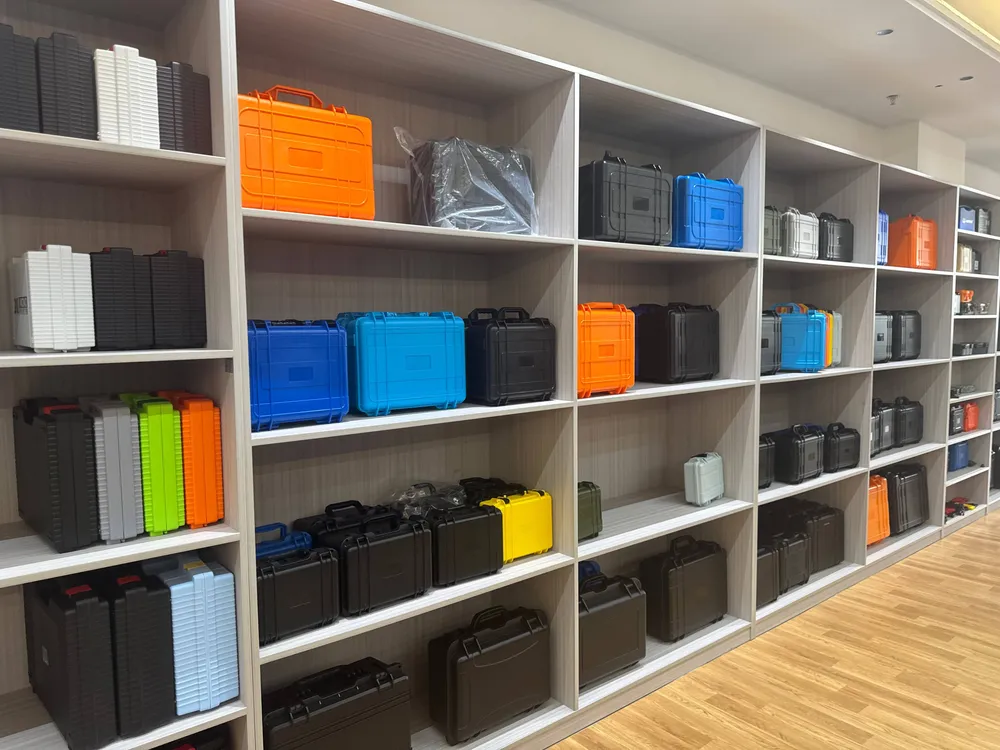
Planning a branded run? Start from the JUNZHIJIA case lineup to pick the shell, then see the factory capability page for printing and assembly. For the full commercial picture, read OEM and ODM custom protective cases.
Related Products
- 8 Series — Gun Cases; Military Equipment Cases; Camera Equipment Cases; Drone Cases; Watch Cases; Knife Cases; First Aid Cases; Electronics Equipment Cases
- WL8-2812 PP Gun Case — model WL8-2812
- All protective cases and toolboxes: 7 series, 158 models