

Case Switch: A Fast Cut Between Models
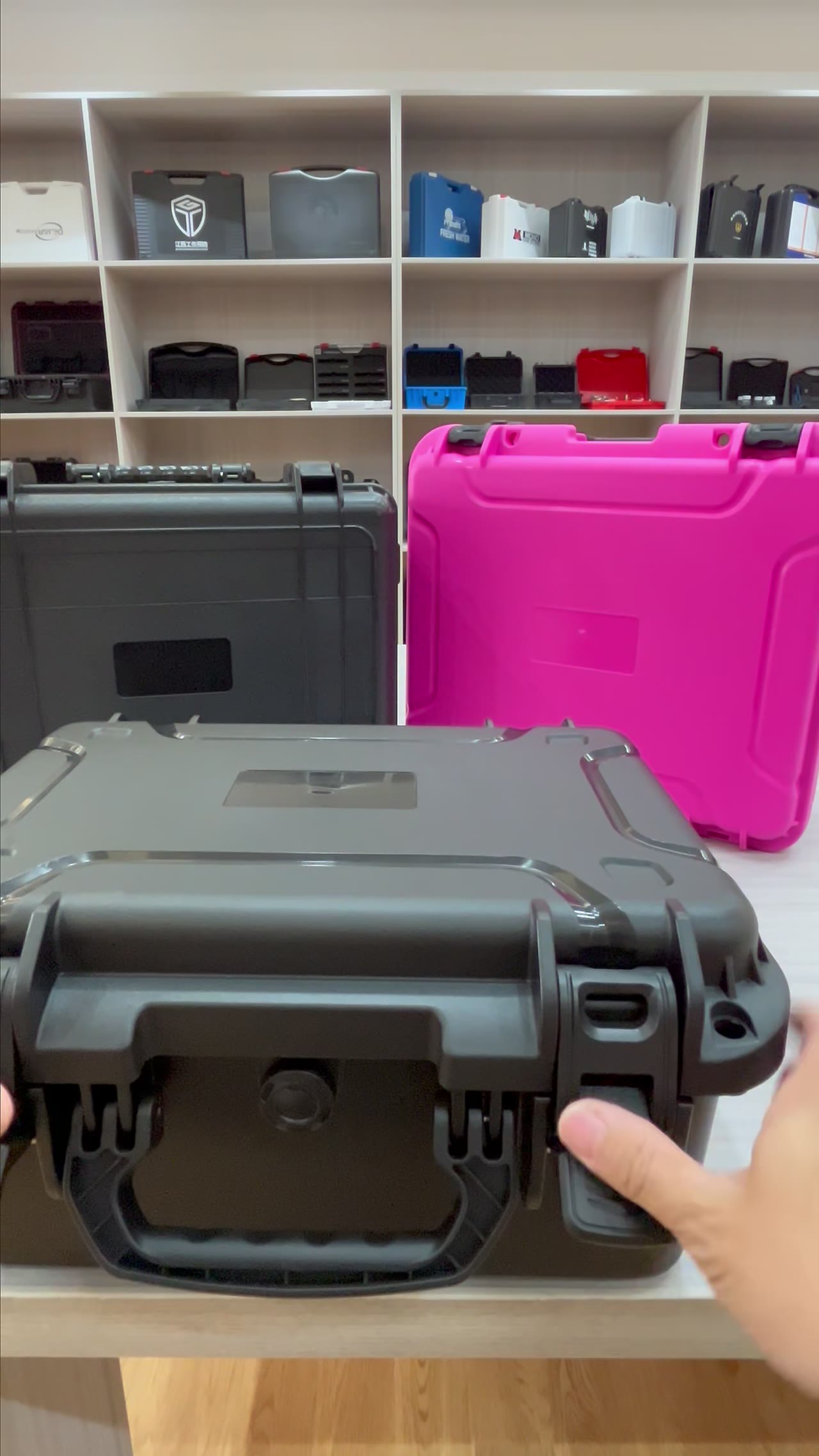
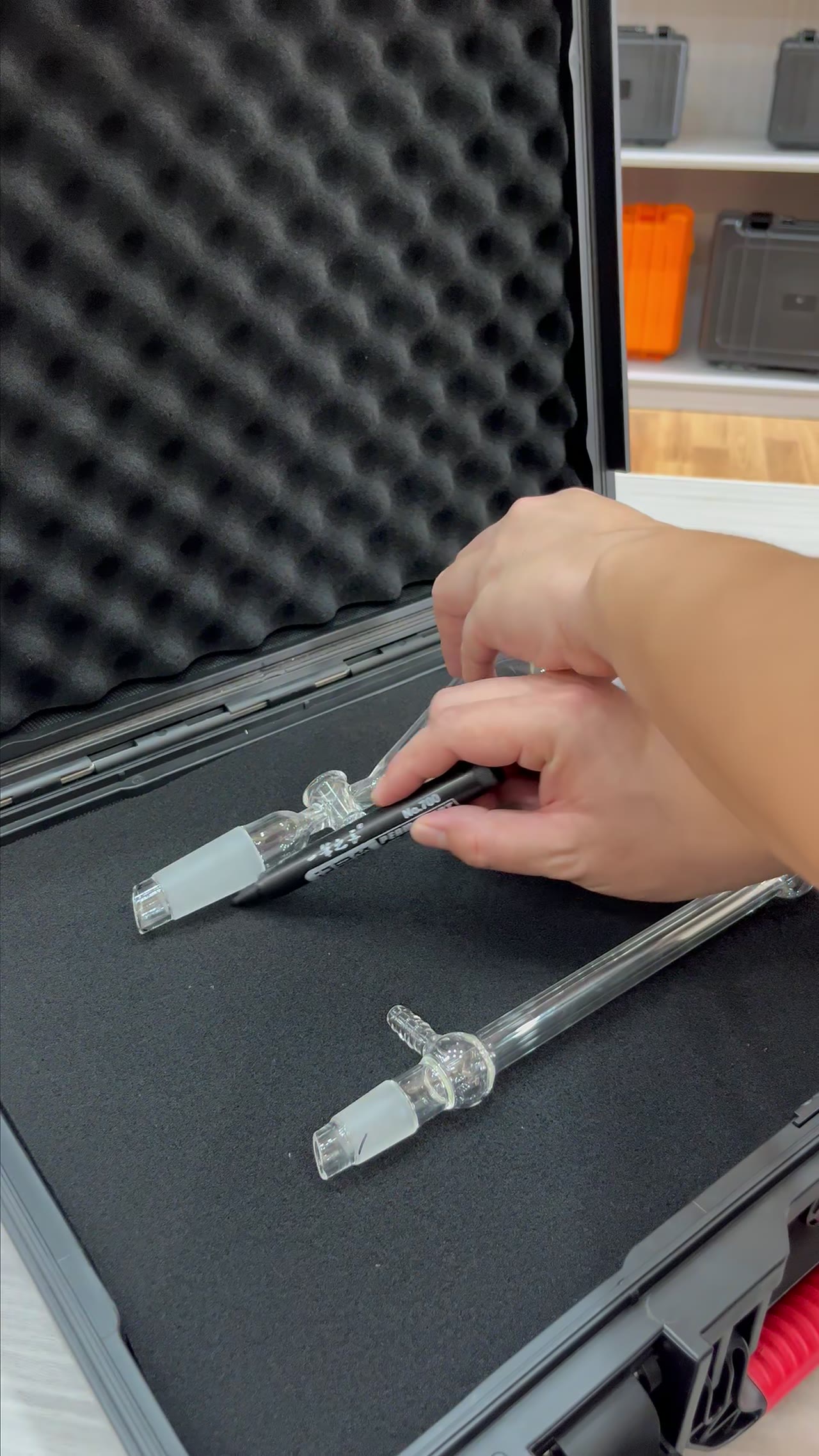
Fifteen seconds, four cases, a dozen cuts. What holds this kind of edit together is not the footage, it is whether the eye keeps landing on the same coordinate. Pick one pin or one handle corner on each case, lock its position in frame, and cut on the frame where it arrives there. Hold cards 1.2–1.8 s, keep shots at 0.4–0.8 s, get the first case on screen inside 0.3 s, and four models fit without turning into noise. The rest is bookkeeping: frame numbers, pixel offsets, one line per card.
01The Anchor Is A Pin, Not The Centre Of Frame
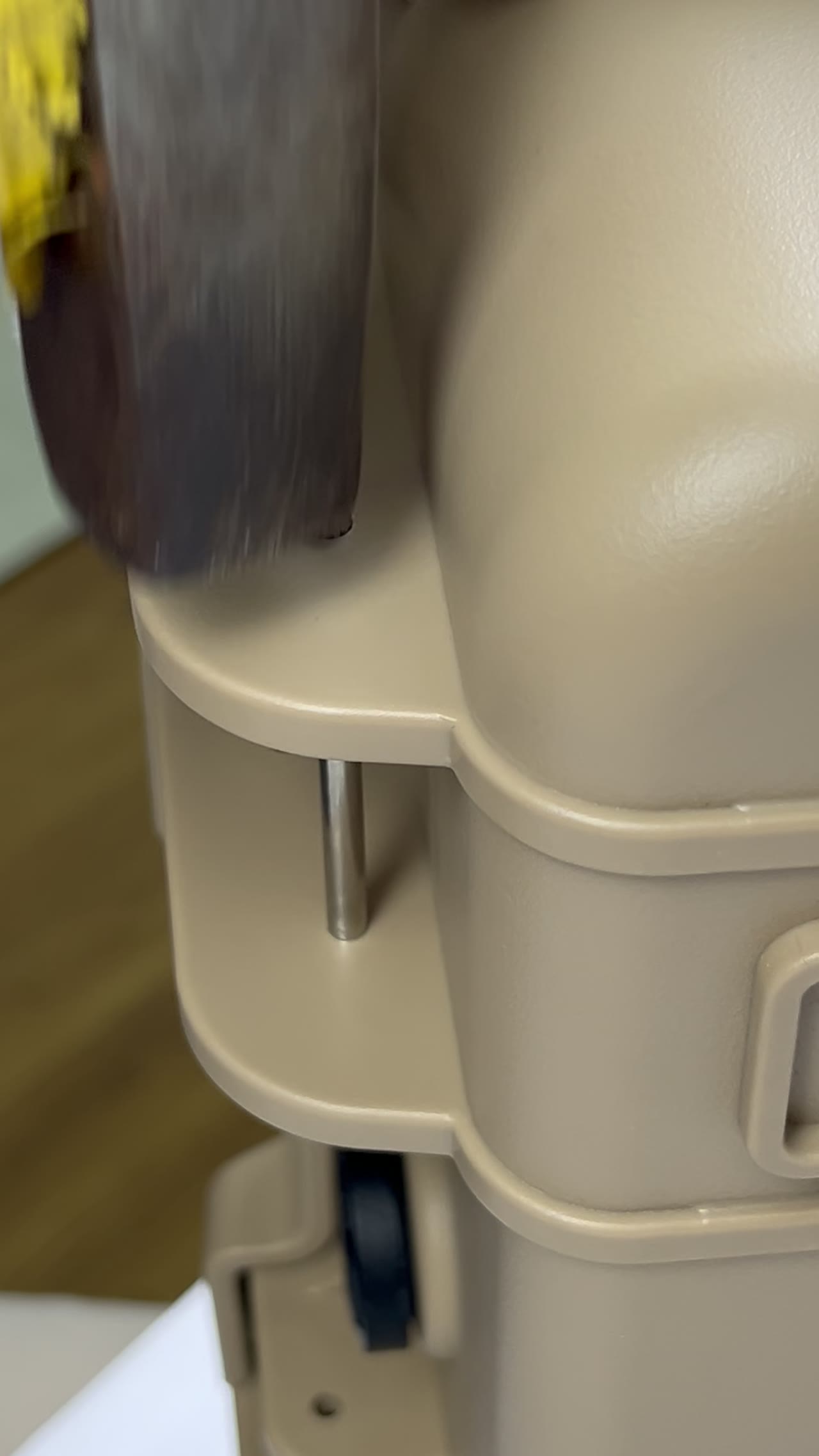
Before rolling, choose one feature per case: a hinge pin in the same spot, the same rivet on the same handle, the same corner of a latch. It has to exist on all four models, look similar, and hold some contrast against its surroundings. Once chosen, its screen coordinate is frozen. Across models the camera stays put and only the object changes; focal length and position are not touched.
The classic symptom of a bad anchor is a small jump right after the cut. The eye is unforgiving about movement in a static background, and two pixels is enough. Stack two clips, set the layer to difference, and read the result: a thin edge around the anchor means the alignment holds; a bright patch means the camera or lens moved, and that shot gets re-taken rather than scaled in post.
02Frame Accuracy At 25 fps: Cuts Only Land On Whole Frames
At 25 fps every frame is 40 ms, so a cut can only fall on a frame boundary. If the rushes mix 30 fps and 50 fps, conform to 25 fps first, or the anchor will drift half a frame after each cut. Find the frame where the anchor reaches its target coordinate, note the number, and use it as the in-point for all four models; out-points are counted back from the shot length.
Frame discipline also sets the rhythm. Each of the four models carries one card, and cards run 1.2–1.8 s, so the four together take 5–7 s. The remaining 8–10 s holds twelve to eighteen cuts, which lands the individual shot inside 0.4–0.8 s. When one model gets only 0.4 s, the anchor has to carry the recognition, because no narration will.
03Cards Hold For 1.2–1.8 s, And The Number Comes From Reading Speed
Card duration follows character count, not instinct. Eight to twelve words per line, three lines at most, reads comfortably in 1.2 s. The same information in a denser layout needs 1.6–1.8 s. Under 1.2 s the audience registers that text exists and remembers none of it; past two seconds the rhythm breaks and the last two models get squeezed into whatever is left.
Placement matters as much as duration. If the anchor sits upper left, the card goes lower right so it never covers the alignment point. Horizontal and vertical versions have different card widths, so type size should scale from frame height rather than being fixed in pixels. Watch one pass on a phone: if it cannot be read, cut words instead of adding time, because that extra 0.6 s comes straight out of cut density.
04Vertical Is A Separate Shoot, Not A Crop
In 16:9 the anchor usually sits left of centre, and cropping to 9:16 pushes it out of frame. Shoot twice. The vertical version puts the anchor in the upper third and leaves the lower third for the card; the horizontal version puts the anchor on the left third line and uses the right side for a side-by-side comparison. If you must share one take, protect 15% of the frame on every edge.
Cut density also needs to come down in vertical. Over the same fifteen seconds the smaller viewing area makes twelve to eighteen cuts feel choppy, so ten to twelve is the working number and the saved time goes to cards. Horizontal can keep the original density, because a wide frame holds two cases at once and delivers the difference in a single look instead of another cut.
05Four Cases Remembered Through Three Cues: Anchor, Kelvin, One Line
Audiences retain a model through three cues arriving together: the anchor never moves, the colour temperature never shifts, the card carries one difference only. Hold 5000–5600 K across all four setups, or a white-balance step will steal attention at every cut. One line per card, four lines total, no voice-over, and the information still lands. Four cards, four facts, no filler sentences.
Run the last pass as a checklist. First case visible within 0.3 s. Anchor error inside 2 px. Every card above 1.2 s. Every vertical shot taken on its own setup. All four green before export. Anything patched in post gets magnified at this cut rate: viewers will not name the problem, but they will stop watching. Fix it on set or not at all.
| Runtime | 15 s |
|---|---|
| Shot length | 0.4–0.8 s |
| Number of cuts | 12–18 |
| Frame rate | 25 fps |
| Card hold | 1.2–1.8 s |
| Anchor alignment error | ≤2 px |
| Colour temperature | 5000–5600 K |
| First case on screen | ≤0.3 s |
FAQ
What if the four cases share no identical pin?
Change the anchor type, keep the placement logic. A handle root, a latch pivot or the lower right corner will do, as long as all four models carry something similar there. If nothing works, tape a temporary marker at the same spot and remove it before the take ends.
Can a card be squeezed to one second?
Yes, with fewer words. One second reads roughly ten to fourteen characters, so anything longer splits into two cards or becomes a symbol. The half second you save rarely covers the gap left by viewers who miss the line, and the whole film reads faster and thinner.
Can the vertical version be cropped from the horizontal?
Only when the anchor happens to sit inside the centre safe area. Otherwise the crop pushes it out of frame or drops the card onto the case. Re-shooting the vertical setup costs less time than repairing it frame by frame.
Four models in fifteen seconds: is that too crowded?
Each gets about 3.75 s, one card takes 1.2–1.8 s of it, leaving under 2.5 s of picture per case. That is enough, provided each model carries a single difference, narration is gone, and identification rests on the anchor and the card.