

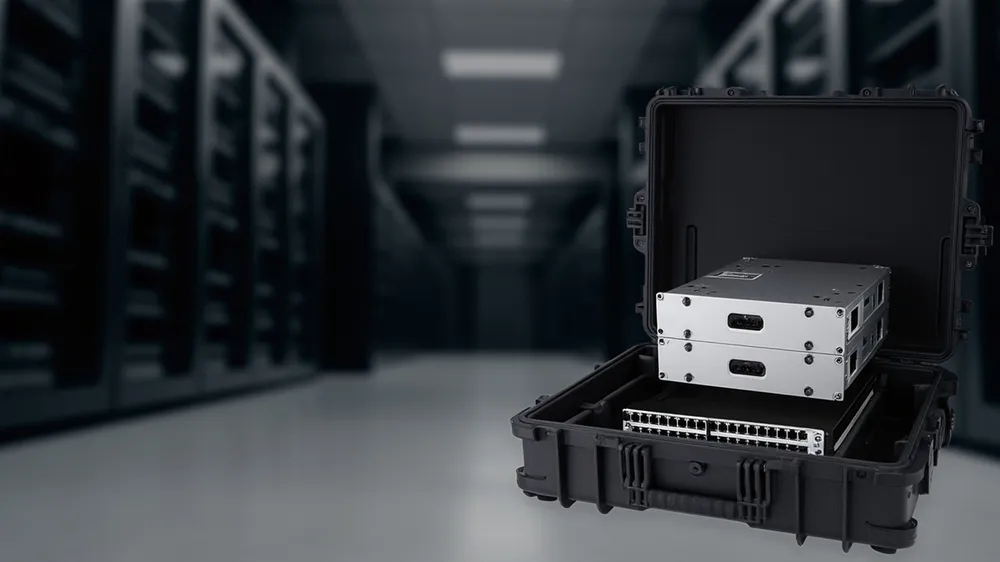
Servers and network gear are "heavy yet delicate": a 2U server weighs over ten kilos, yet its disks and ports fear shock and static. Moved between data centres, labs and branch sites, they fear three things: shock kills disks, ESD breaks boards, handling bends ports. A qualified IT transport case must hold heavy load, isolate shock, control static and manage cables. This guide covers choice and use from an ops view.
Three Kinds of Damage
- Shock kills disk: disks fear drops and vibration.
- ESD break: board ports fear static.
- Port bend: connectors bend in handling.
Priority: load > cushion > ESD.
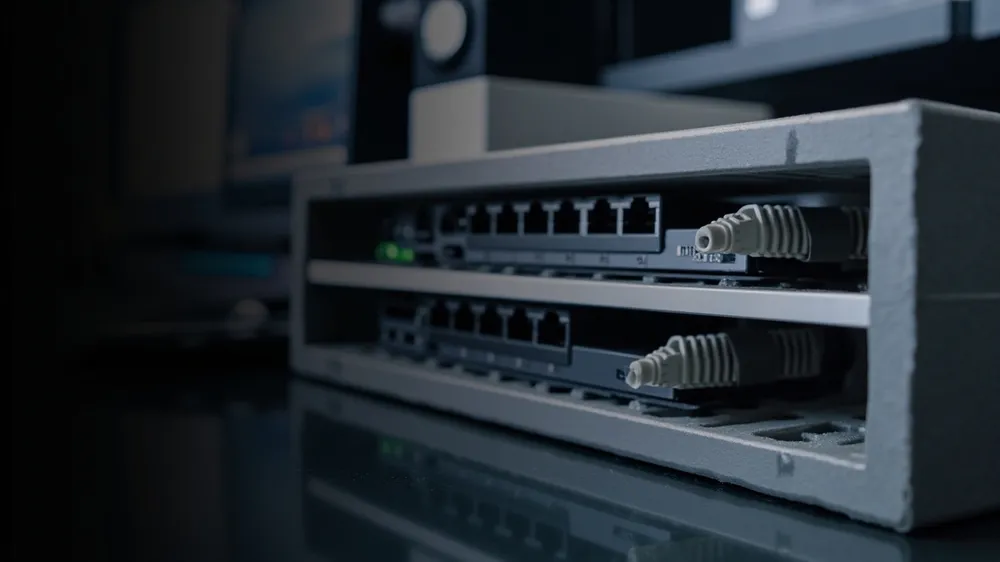
Protection Hard Specs
| Spec | IT case delivers | Verify |
|---|---|---|
| Load | Full case no crack, handle holds | See wall and structure |
| Cushion | Suspended wrap, separate bays | See liner design |
| ESD | Anti-static liner, ground tab | Material confirm |
| Cable | Separate channel, no press | Check cavity |
| Vibration | No shift long haul | See vibration test |
Load: Heavy Without Cracking
IT gear is heavy. Thickened ribbed shell, see wall thickness and structural design; metal-pin handle and hinge, see hinge and latch durability. Trade-offs in aluminium vs plastic case.
Cushion: Disks Float
Disks and boards need suspended wrap; the cavity touches only the rack frame. Method in drone case foam insert design; process in EVA thermoformed liner. Liner recuttable, see foam relining.
ESD Control
Board ports fear static. The case should:
- Anti-static liner: foam / plush with ESD treatment.
- Ground tab: optional ESD tab, discharge before removal.
- Material compliance: see RoHS/REACH.
Cables and Ports
Devices have many cables. The case needs separate cable channels, clips, slack — logic from laboratory sample transport cases. Ports face inward, not pressed or bent.
Transport and Site
IT ships in cases. Stack limit and moisture in warehouse stacking and moisture; vehicle vibration in transport vibration testing; outgoing check in pre-shipment inspection cases.
Handling Habits
- Discharge: touch ground tab before removing gear.
- Restock: route cables to slot, see colour visual management.
- Set down gently: full case is heavy, do not drop.
- Record: which device, which case, for traceability.
Customisation Checklist
| Element | State | If missed |
|---|---|---|
| Device list | Size, weight, ports | Liner unfit |
| Load | Full case weight | Handle breaks |
| ESD | Anti-static? | Break |
| Cert | RoHS / REACH | Export block |
For requirements and negotiation see how to write a case RFQ and how to negotiate case price; total cost in total cost of ownership.
Pitfall List
First, ordinary foam — disks need suspension. Second, no ESD — boards break. Third, no metal pin — heavy-case handle fails. Fourth, recycled — see virgin vs recycled. Fifth, no cable channel — port bends. Sixth, no restock — messier over time.
In Summary
The IT transport case key is "load, cushion, ESD": a thickened ribbed shell with metal-pin hardware holds heavy load, a suspended contoured cavity protects disks and boards, and an anti-static liner with ground tab controls ESD. To start, write device list (weight and ports), full-case weight, anti-static or not and RoHS/REACH as clauses, then ask the supplier for material and test evidence. With habits of "discharge before removal, route cables, set down gently, trace the device", servers stay stable through many moves. For cushion and cable detail cross-read drone case foam insert design and laboratory sample transport cases.
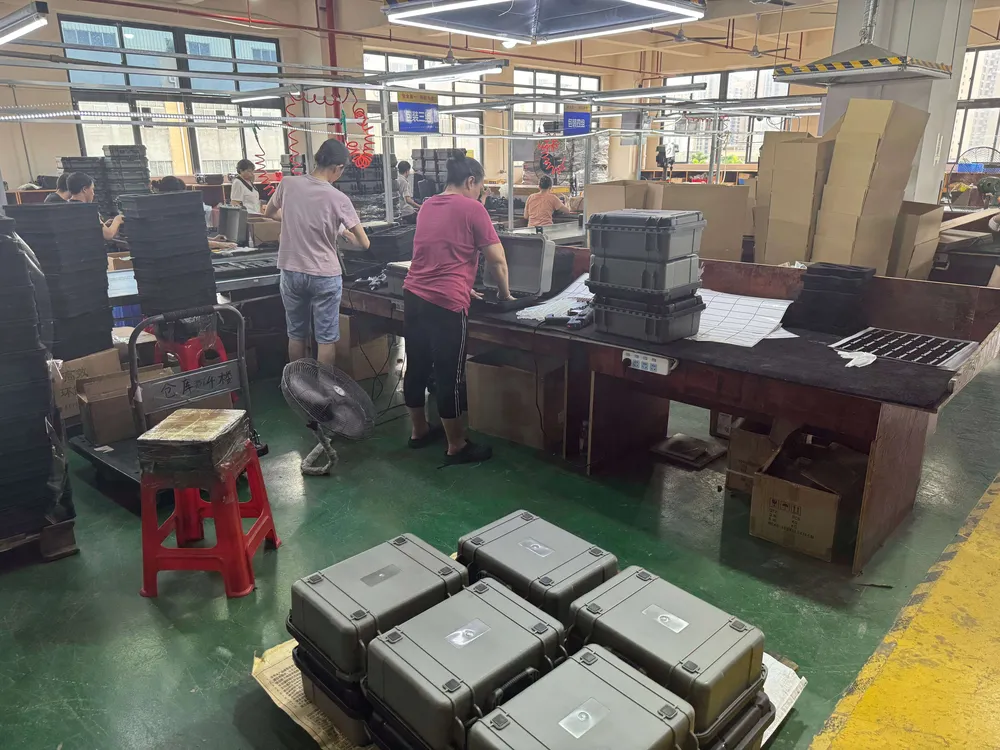
For specific device liners see drone case foam insert design; for material compliance see RoHS/REACH compliance.
Related Products
- 8 Series — Gun Cases; Military Equipment Cases; Camera Equipment Cases; Drone Cases; Watch Cases; Knife Cases; First Aid Cases; Electronics Equipment Cases
- WL8-2812 PP Gun Case — model WL8-2812
- All protective cases and toolboxes: 7 series, 158 models