

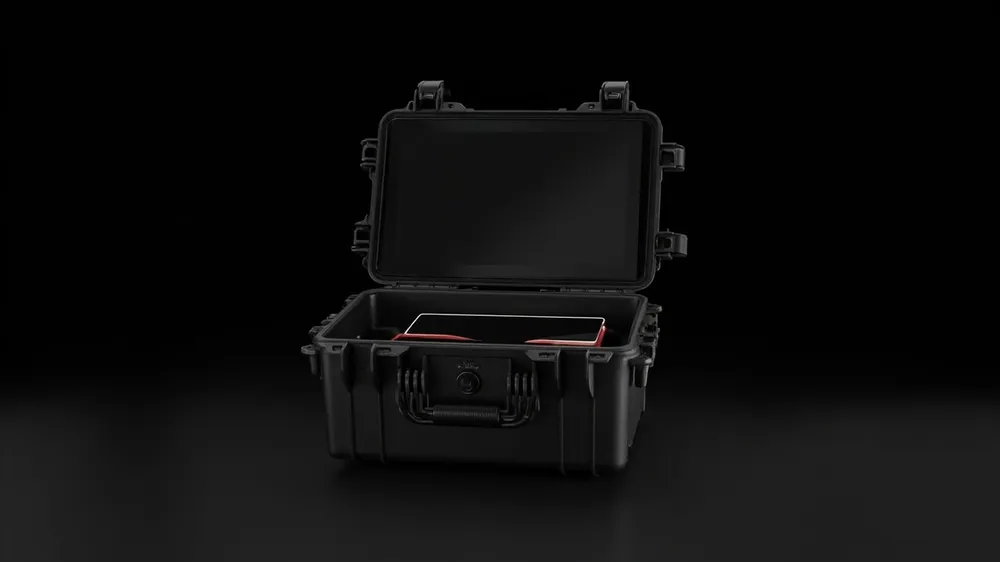
A laptop or tablet is a 'precision part with an operating system'. Field engineers take it to job sites, inspectors carry it up towers, military users deploy it in the field, where the environment is far harsher than an office: drops, dust, rain, vibration and static can shut the device down on the spot. A normal bag resists dust but not impact; a soft pouch resists pressure poorly. A qualified rugged laptop/tablet case isolates shock, leaves room to vent heat, shields ESD and protects the screen and ports through vehicle vibration. This guide covers choice and use from a field view.
Four Kinds of Field Damage
- Impact crack: drops and crush damage the screen and hinge.
- Heat throttle: a sealed box overheats and the device shuts down.
- ESD kill: dry-air static damages the board.
- Vibration loosen: long bumps loosen connectors.
Priority: cushion > heat > static > finish.
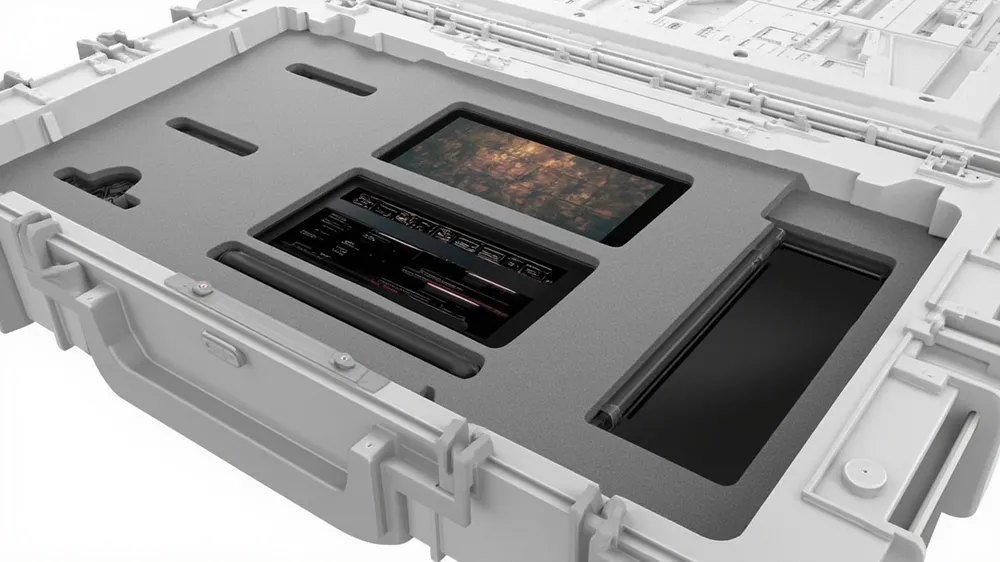
Hard Protection Specs
| Spec | Rugged case delivery | Verify |
|---|---|---|
| Suspension | device floats, screen off wall | see foam design |
| Venting | airflow/heat pad slot | see condensation control |
| Static | ESD foam optional | see ESD case |
| Shell | modified PP, light and tough | see wall thickness |
| Sealing | dustproof, IP optional | see IP67 explained |
| Mil-spec | MIL-STD-810H optional | see mil-spec |
Suspension: Keep the Screen Off the Shock
The screen and hinge are the fragile core; the cavity touches only the rigid bezel and leaves the panel floating. See the suspension logic in drone case foam design; the process is in EVA thermoforming. Lay the keyboard down, thicken the port side, never press on connectors.
Heat: Do Not Turn the Case Into an Oven
- Airflow: never seal for long, see condensation control.
- Heat pad slot: reserve a conductive pad position in the liner.
- Temp range: material resists temperature swing, see cold brittleness.
- Weathering: see UV outdoor weathering.
Tip: power off in transit, vent intermittently while working, never bake in a sunlit cabin.
Static: The Invisible Killer in Dry Air
Winter in the north and desert sites are highly static. For ESD protection choose conductive foam and a ground tab, see anti-static case; the same logic applies to boards in semiconductor handling cases. Discharge yourself before opening the case.
Hardware and Mobility
Latches and hinges need metal pins, see hinge and latch durability. Wheeled models in wheeled case guide; check-in in TSA travel case; pressure equalization in equalization valve.
Transport and Vehicle Use
The case rides in service vehicles. Vehicle vibration in transport vibration testing; stack height and moisture in warehouse stacking. Inspection scene in field inspection case.
Custom Spec Sheet
| Element | Write it | If omitted |
|---|---|---|
| Device list | model, size, fragile points | liner won't fit |
| Heat | long runtime or not | overheat shutdown |
| Static | ESD requirement | board damage |
| Transport | vehicle/air | wrong lock |
Write the RFQ and negotiate in how to write a case RFQ and how to negotiate price.
Pitfall List
First, plain foam: the screen must float. Second, sealed and baked: the device throttles. Third, no ESD: dry-season breakdown. Fourth, recycled resin: see virgin vs recycled. Fifth, pressing ports: loose connectors. Sixth, no moisture control: long-haul damp.
Summary
The key to a rugged laptop/tablet case is 'cushion, heat, static, finish': a contoured cavity suspends the screen and hinge, airflow and heat pads hold operating temperature, ESD foam blocks static breakdown, and metal latches survive frequent opening. On the ground, write the device list (with fragile points and ports), whether it runs long, the static requirement and the transport mode as clauses, then ask the supplier to prove material and testing. With the habits of 'power off in transit, vent while working, discharge before opening, clean on return', field computers stay stable across many inspection cities. For suspension and static details, revisit drone case foam design and anti-static case.
Related Products
- 8 Series — Gun Cases; Military Equipment Cases; Camera Equipment Cases; Drone Cases; Watch Cases; Knife Cases; First Aid Cases; Electronics Equipment Cases
- WL8-2812 PP Gun Case — model WL8-2812
- All protective cases and toolboxes: 7 series, 158 models